


Case 03B2B wholesale ordering
A powerful, user-friendly web and mobile platform that streamlines and simplifies order placement for wholesale accounts.
Account holders sign in; the catalogue browses without a login.
- Year
- 2025
- Region
- Australia
- Discipline
- B2B / Ordering · Mobile
- Scope
- 5 workstreams
The brief
Wholesale food ordering is repetitive work. The same venue orders substantially the same lines, week after week, from a catalogue of thousands of SKUs across six temperature and handling classes.
A generic e-commerce checkout treats every visit as a first visit. That is the wrong model for a customer who already knows what they want and simply needs to reorder it before the truck leaves.
So the platform is built around memory. My Pantry, My Last Order, My Default Order and My Frequent Purchases mean a returning buyer starts from what they already buy — and only browses the full catalogue when they are genuinely looking for something new.
Engagement
- Client
- Cosmo Food Service (CFS)
- Sector
- B2B ordering
- Region
- Australia — 5 branches
- Engagement
- Ordering platform
- Platform
- Web + iOS + Android
- Users
- Wholesale account holders
- Product design
- Web platform
- iOS & Android app
- Catalogue search
- Account management
The build, live
Both frames hold a full-page capture of the delivered build — the desktop layout and the mobile one — moving in step with your scroll.
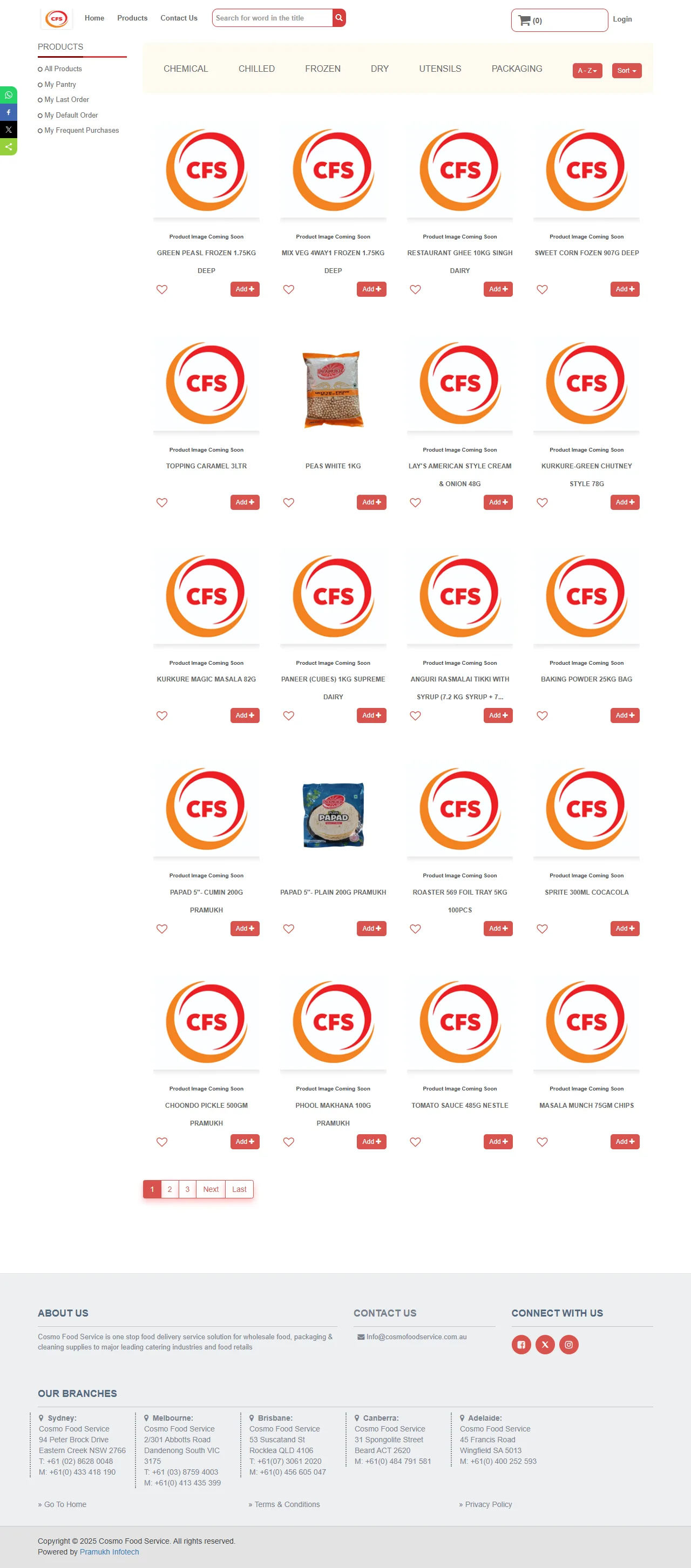

Both frames play the real build. Keep scrolling and the page moves inside them.
Build log
- 01
My Pantry
A saved, per-account shelf of the lines that venue actually stocks — the default entry point instead of a cold catalogue.
- 02
My Last Order
One tap to pull the previous order forward, adjust quantities, and submit. The most common job, made the shortest path.
- 03
My Default Order
A standing template for venues that order to a fixed weekly pattern, so a routine restock never has to be rebuilt.
- 04
My Frequent Purchases
Ranked by what the account buys most, surfacing the long tail a customer forgets they need until they run out.
- 05
Six-way category filtering
Chemical, Chilled, Frozen, Dry, Utensils and Packaging map to how the warehouse is actually organised, alongside an A–Z index and keyword, price and quantity filters.
- 06
One catalogue, three surfaces
The web platform and the iOS and Android apps read the same product data and account state, so an order started on a phone in the coolroom finishes on the desk.
On the phone
The native app is the other half of this build — the same catalogue, pantry and order history as the web platform, on Android and iOS. These are real screens from a live wholesale account.
The phone is playing the app — each tap moves to the next screen. Every screen is also in the rail below.
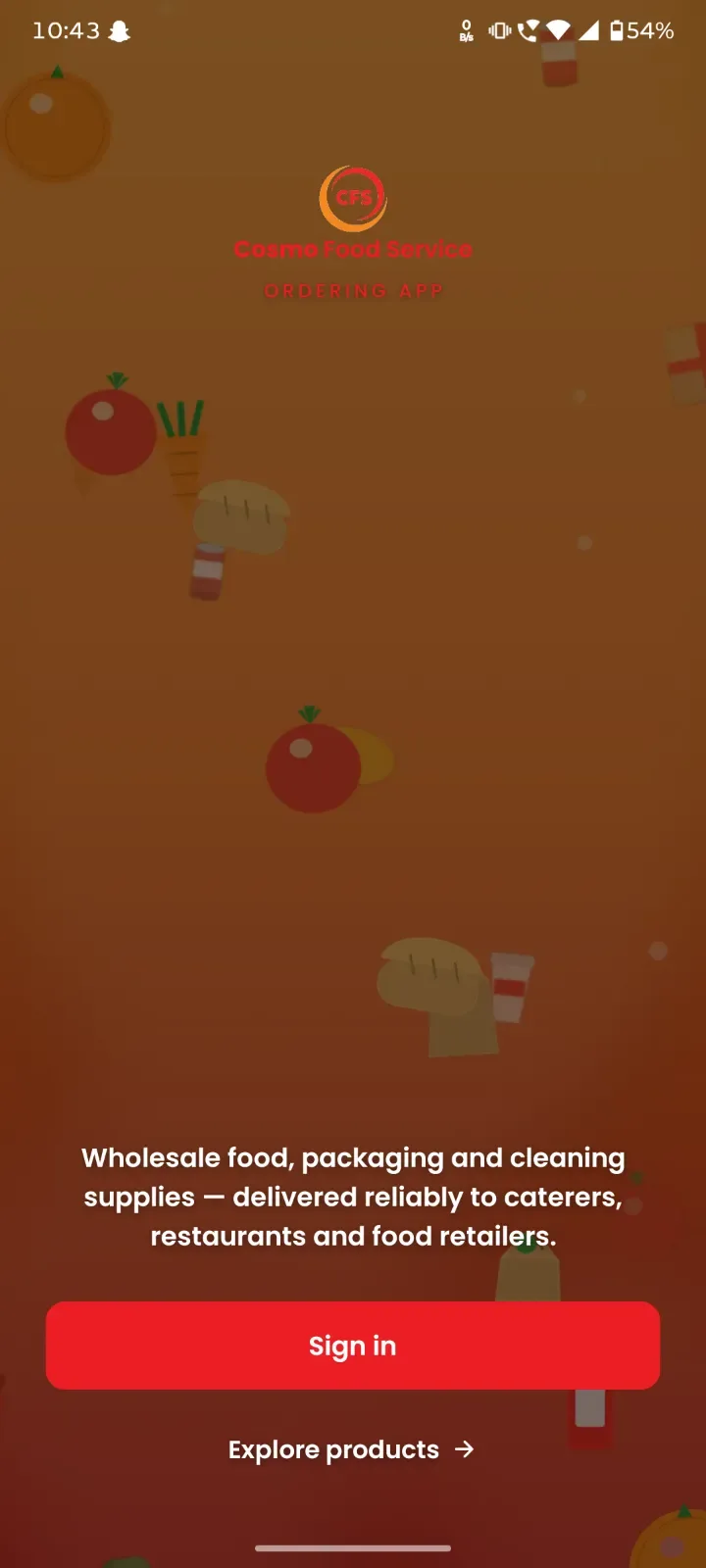
Sign in
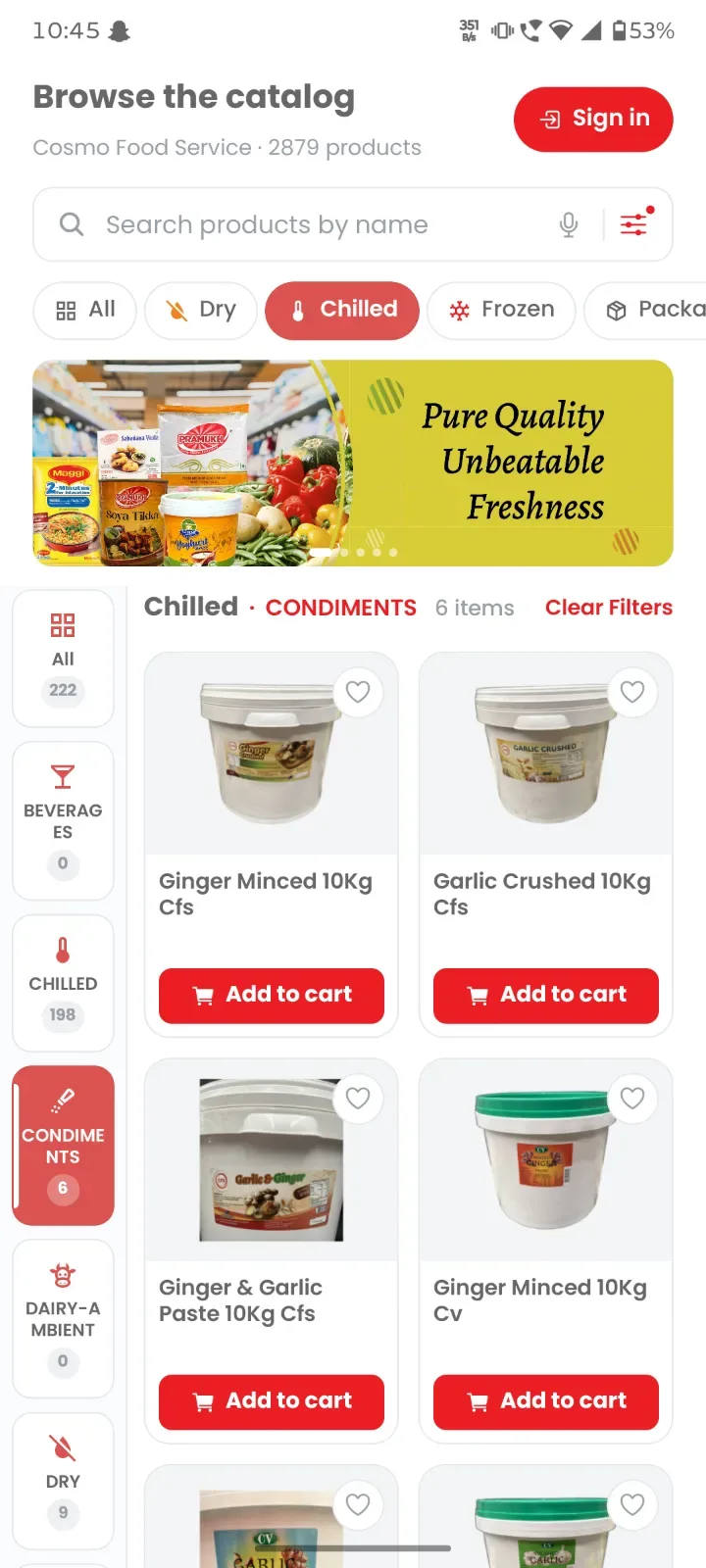
Browse the catalogue
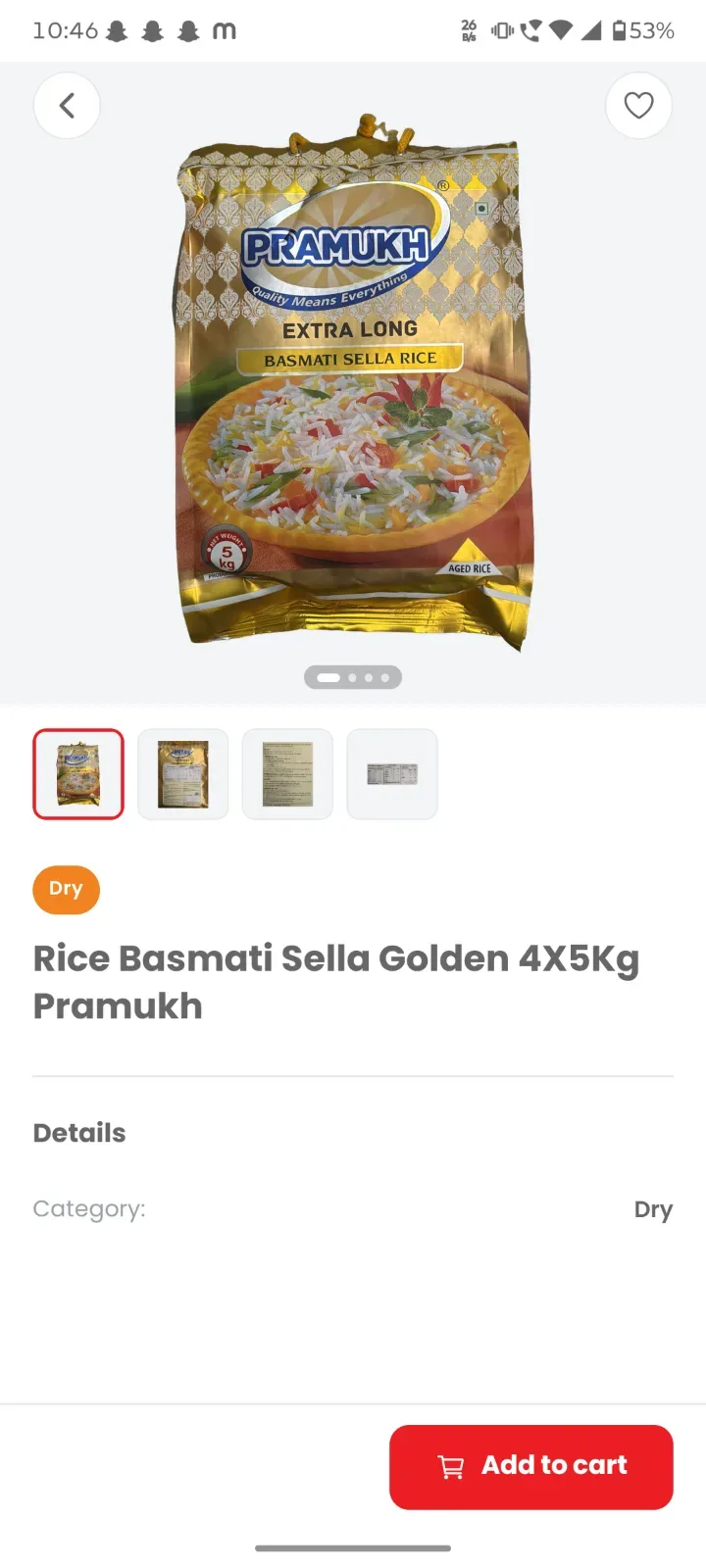
Product detail
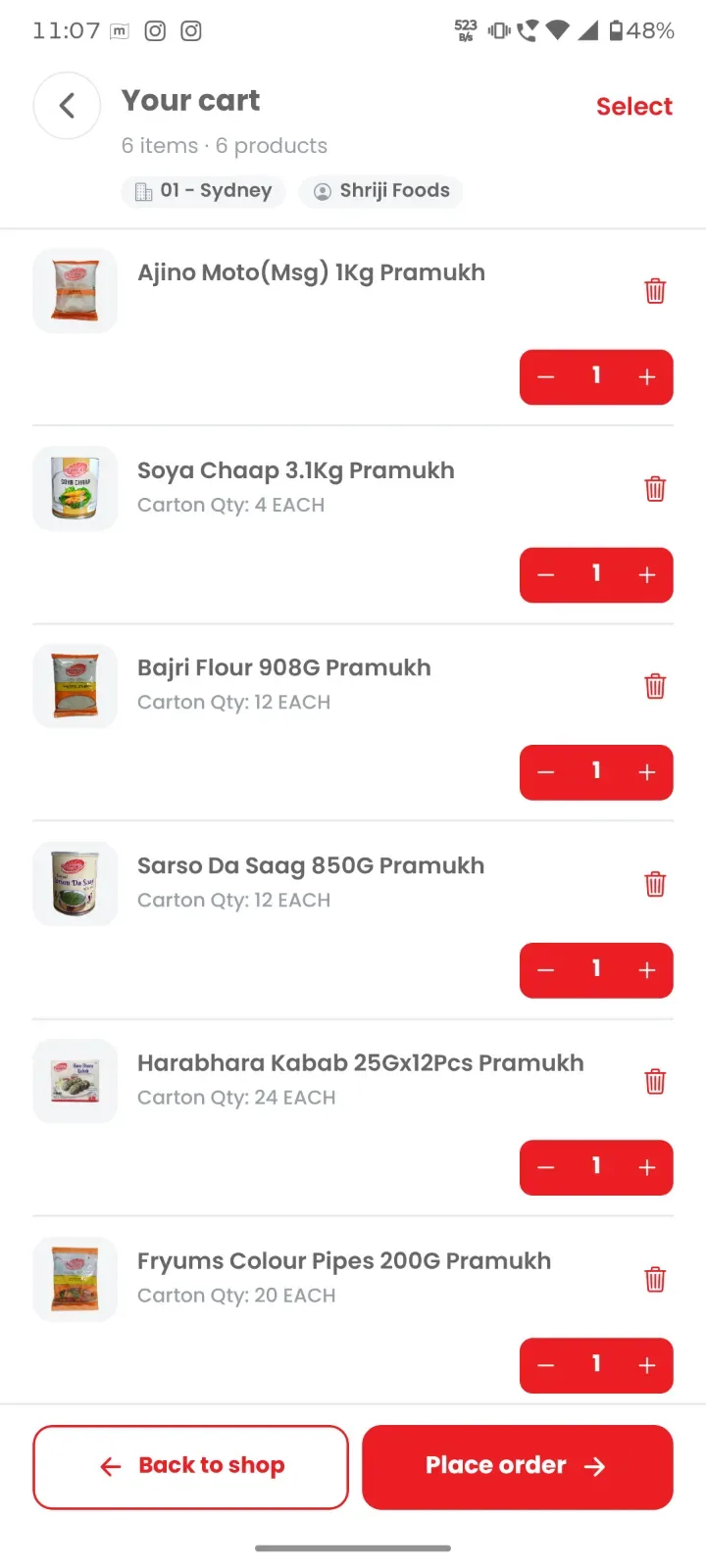
Review the cart
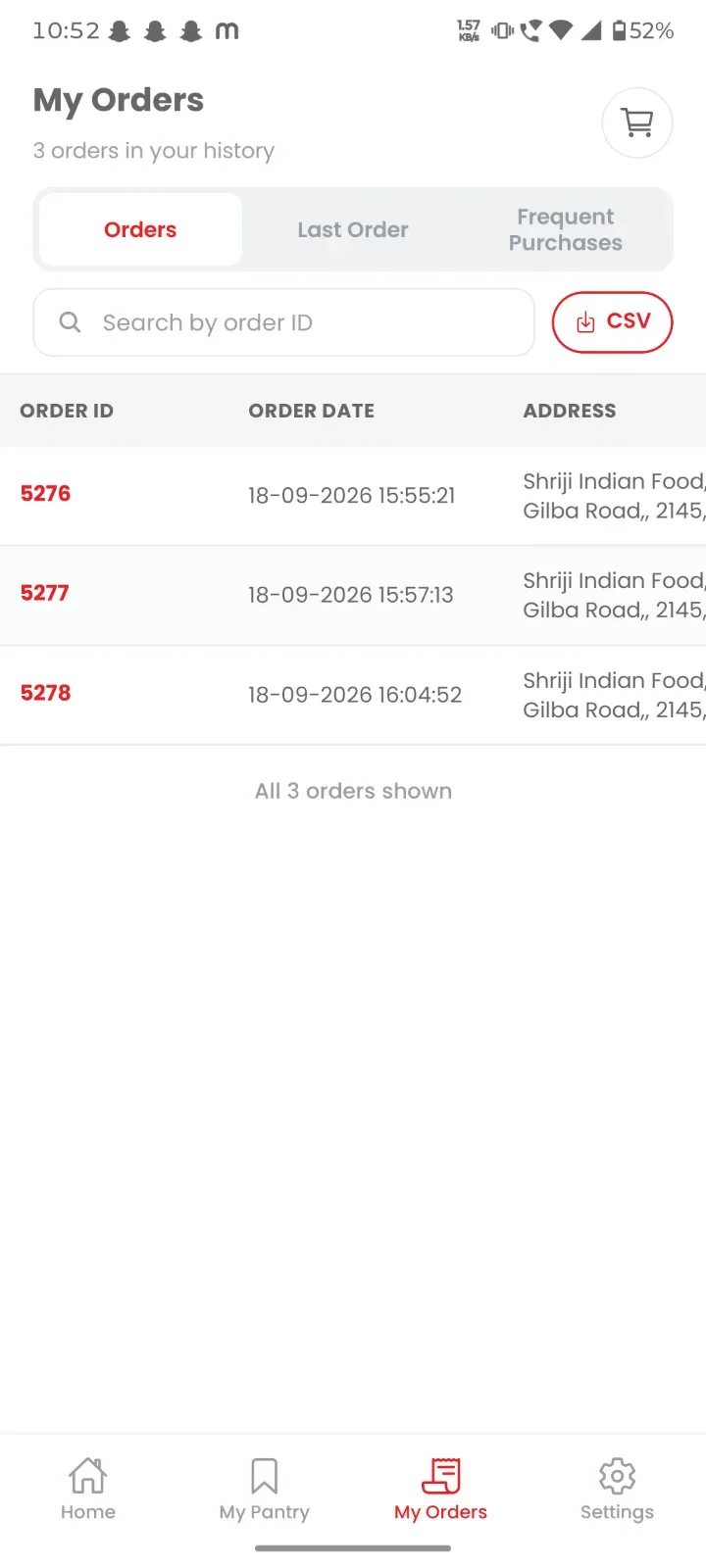
Order history
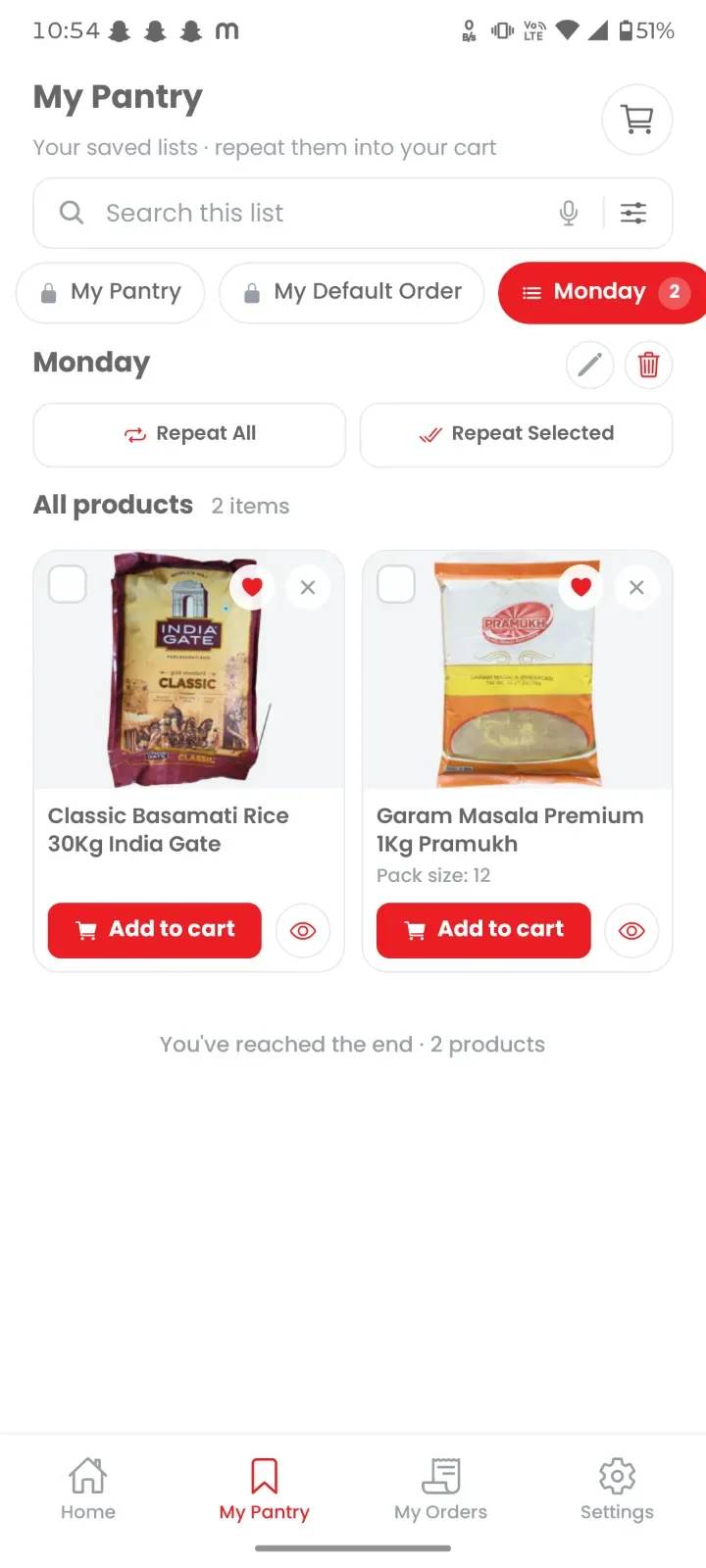
My Pantry
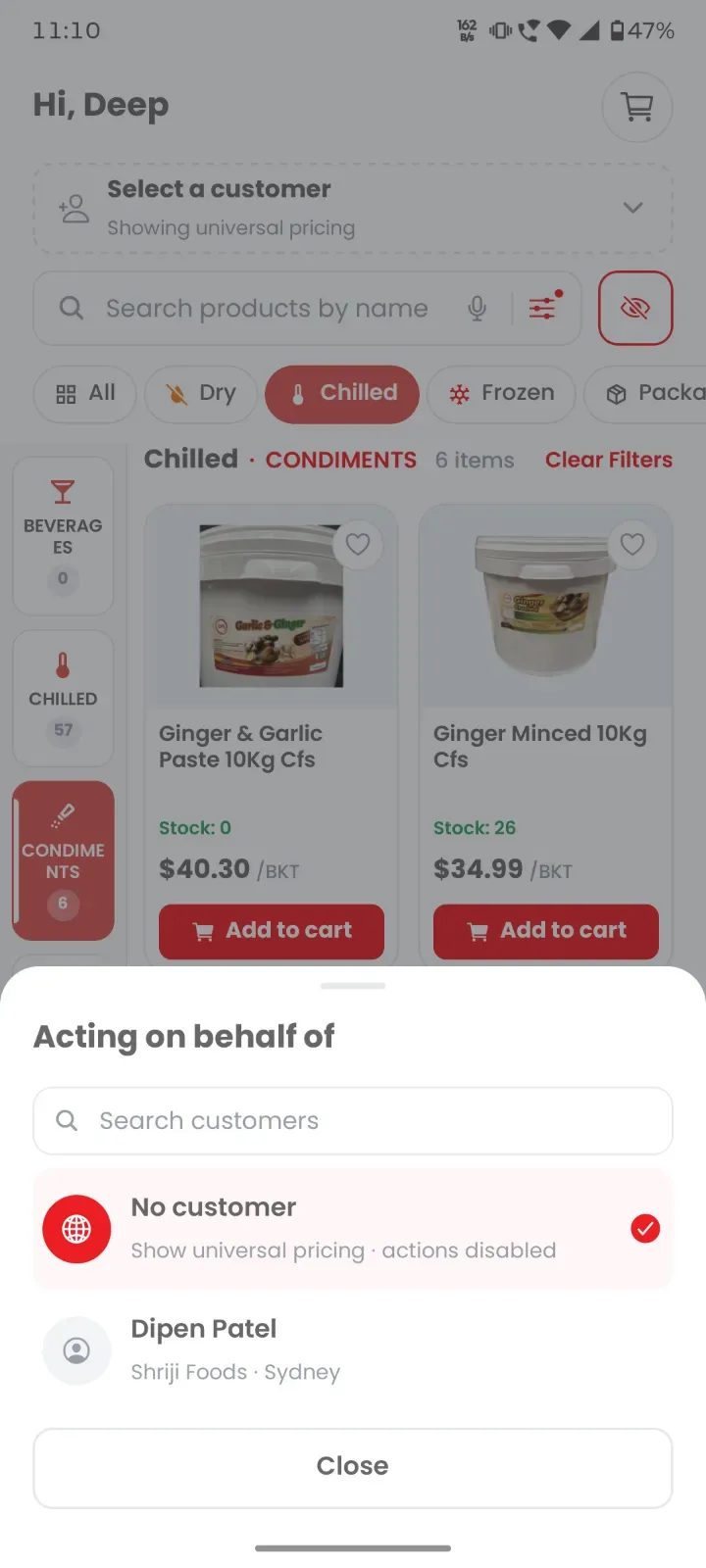
Order on a customer's behalf
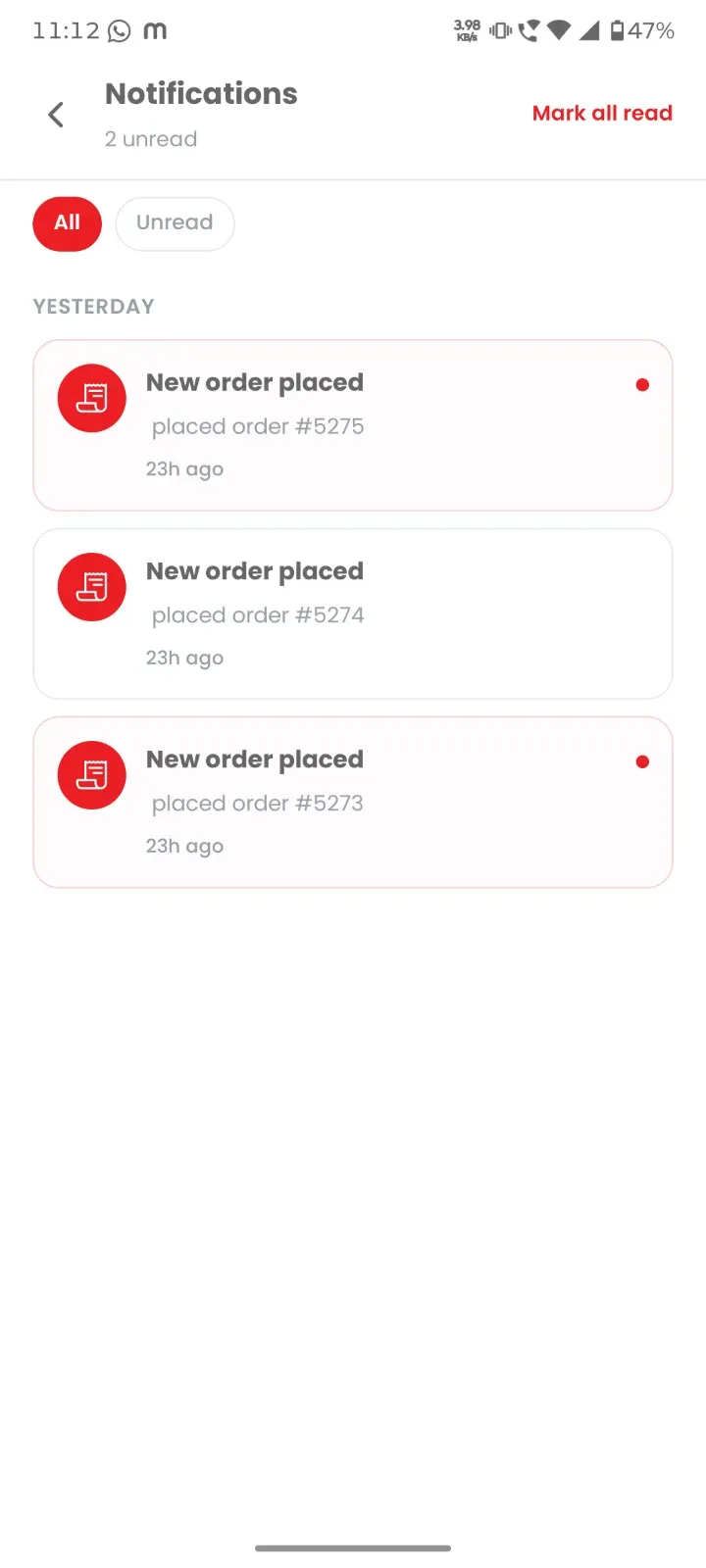
Notifications
Signals
- 3
- Surfaces shipped
- 6
- Product categories
- 4
- Reorder shortcuts
- A–Z
- Catalogue index
Stack